

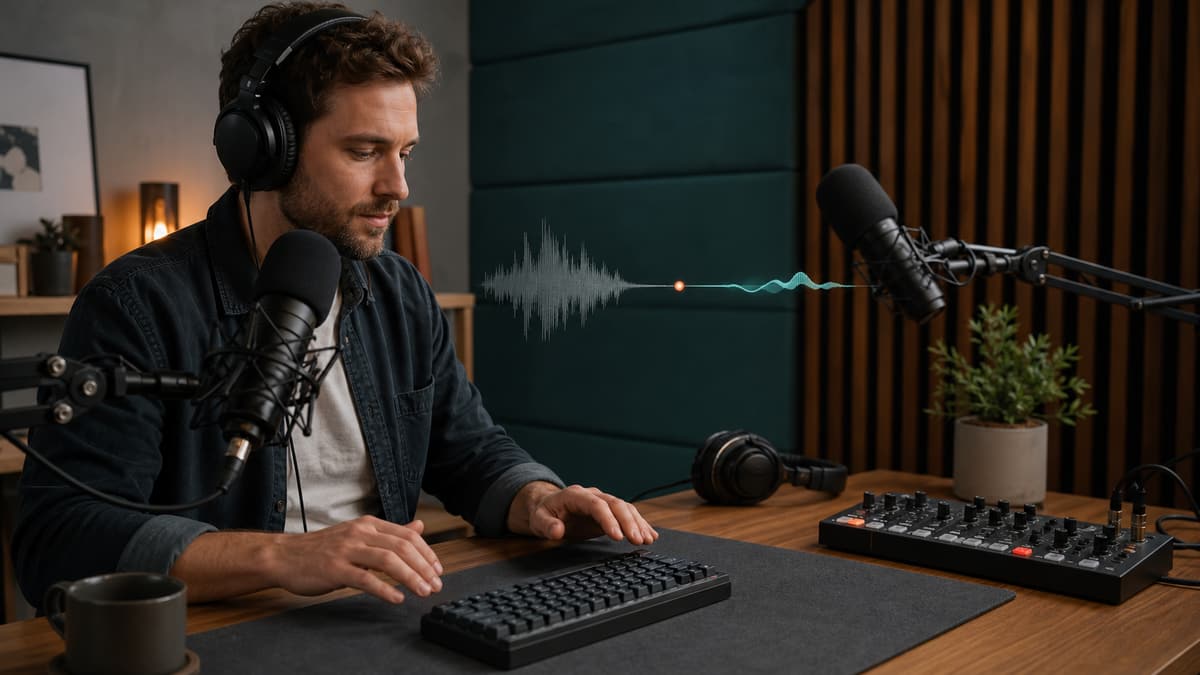
To remove keyboard sounds from a podcast, upload the original episode audio, preview an AI-cleaned version, and check whether typing clicks drop without making the host or guest sound dull. Keyboard sounds are harder than steady fan noise because they are short, sharp, and irregular, but cleanup can still make a podcast much easier to listen to.
This is especially useful for remote interviews, gaming podcasts, live note-taking, desk-based solo episodes, and shows recorded in the same room as a mechanical keyboard.
Why keyboard sounds stand out
Keyboard clicks live in the same attention zone as speech consonants. The listener may not notice a quiet room tone, but repeated clicks pull focus away from the conversation. Mechanical keyboards, laptop keys, spacebar hits, and desk vibration can all cut through a podcast mix.
The problem gets worse when:
- The microphone is far from the speaker
- The keyboard is between the speaker and mic
- The desk vibrates through the mic stand
- The host types while the guest is talking
- Compression makes quiet clicks louder in the final mix
That last point matters. Podcast compression can raise the level of background sounds, so a keyboard that seemed tolerable during recording can become distracting after mastering.
Clean the raw voice before mastering
If you have access to separate tracks, clean each voice track before you mix the episode. Do not master first and clean later unless you have no other option.
A good order is:
- Organize the raw tracks.
- Clean keyboard noise from the affected track.
- Edit the conversation.
- Add music, ads, and transitions.
- Apply final loudness and mastering.
This keeps the cleanup focused on the voice and avoids processing music or finished dynamics.
The quick AI workflow
Upload the raw podcast audio to SoundClean and generate a preview. Pick a section where someone talks while typing, not a section with clicks in silence only.
Listen for:
- Fewer sharp clicks
- Clearer voice consonants
- Natural breaths and room tone
- No watery texture behind speech
- No chopped-off word endings
If the preview passes that test, export the cleaned file and continue editing from there.
Manual editing vs. AI cleanup
Manual editing works when there are a few isolated clicks in quiet spaces. You can cut, fade, or repair those moments by hand.
AI cleanup is better when typing happens throughout the episode. It saves time because you do not have to hunt hundreds of tiny clicks.
You may still use both. Run cleanup first, then manually fix any obvious clicks that remain during important lines.
How to prevent keyboard noise next time
Prevention beats repair. Try these changes before the next recording:
- Move the microphone closer to your mouth.
- Move the keyboard behind or to the side of the mic.
- Use a boom arm instead of a desk stand.
- Put the keyboard on a desk mat to reduce vibration.
- Switch to a quieter keyboard for recording days.
- Take notes on paper or a tablet when possible.
- Mute yourself when typing during a guest answer.
If you use a directional microphone, aim the front at your mouth and the rejection area toward the keyboard. Small placement changes can make a big difference.
Watch out for compression
Podcast compression makes levels more consistent, but it can also pull keyboard clicks forward. If you compress heavily before cleaning, the clicks become harder to hide.
Clean first, then compress. After mastering, listen once more on earbuds because keyboard noise can be more obvious there than on laptop speakers.
What if the keyboard is on the guest track?
Remote guests often type because they are checking notes or links during the call. Ask for separate local tracks when possible, then clean only the noisy participant. If all voices are baked into one file, cleanup can still help, but it has less control.
For future interviews, include one line in your pre-call checklist: close noisy apps, silence notifications, and avoid typing while someone else is speaking. It feels small, but it saves editing time.
Try a noisy section first
Upload a section with real typing under speech to SoundClean. If the preview reduces the clicks and keeps the conversation natural, process the full episode before editing and mastering.
Keyboard noise is one of those distractions listeners may not name, but they feel it. Remove enough of it, and the episode immediately becomes easier to stay with.
FAQ
Can I remove keyboard sounds from a podcast?
Yes. AI cleanup can reduce keyboard clicks and typing noise, especially when the voice is close to the microphone.
Why are keyboard clicks hard to remove?
Keyboard clicks are short, irregular sounds that overlap speech, so they are harder than steady fan noise or hum.
Should I edit keyboard clicks manually?
Manual edits can work for isolated clicks, but AI cleanup is faster when typing happens throughout a long recording.
How do I avoid keyboard noise in the next episode?
Move the mic closer to your mouth, move the keyboard farther away, use a quieter keyboard, and avoid typing while guests speak.