
 SoundClean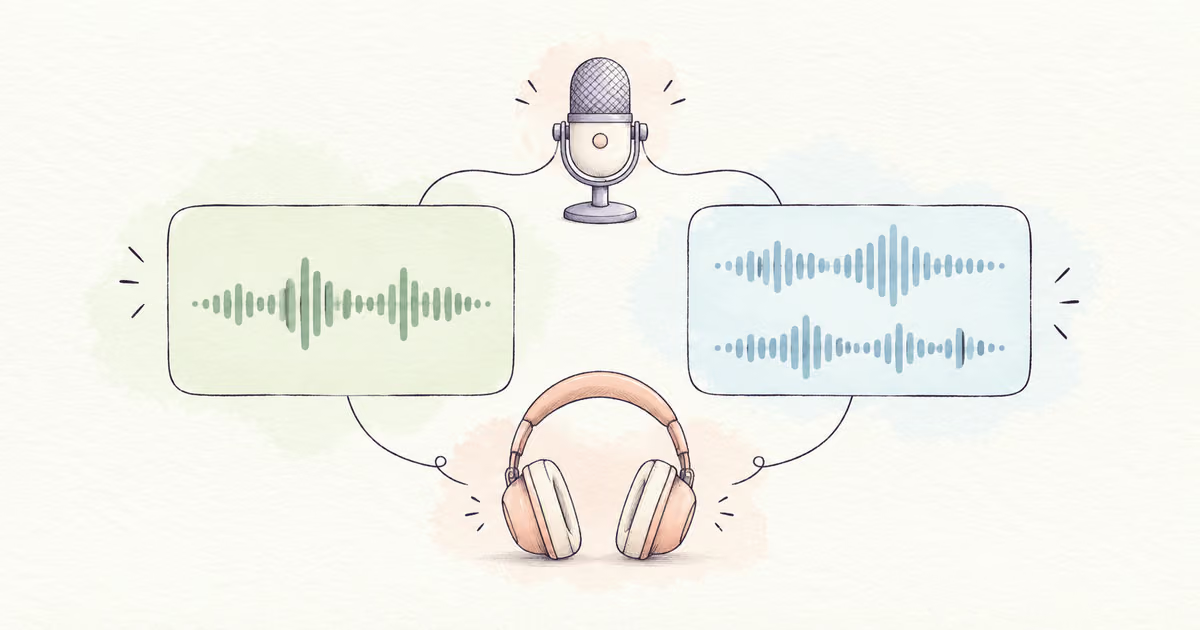
For one microphone recording one speaking voice, a mono track is usually sufficient. Stereo is useful when left and right contain different sound that you want to preserve. A file with two channels is not automatically clearer.
Before cleanup, listen to the left and right channels separately. This can reveal an empty channel, a noisy microphone, or a second speaker you must keep. Choose the useful source before testing a SoundClean preview.
Quick Answer
Use one mono track for a single microphone unless the recording needs spatial detail. Inspect both channels before converting an existing stereo file. Keep separate speakers available for editing, and check the final export through headphones and a normal speaker.
What mono and stereo describe
Mono has one audio channel. It can play through both ears of headphones. Stereo has left and right channels, which can contain different signals.
Two copies of the same mono voice do not create meaningful spatial detail. Equally, two different interview microphones can be stored as the two channels of a stereo file even when you plan to mix the conversation centrally.
| Recording situation | Useful working arrangement | Main reason |
|---|---|---|
| One narrator and one microphone | One mono track | One source to edit and place |
| Two interview microphones | Separate tracks until the mix | Independent level and noise control |
| Music or a location soundscape | Preserve useful stereo | Direction and space may matter |
| Voice on left, silence on right | Inspect, then center the voice | Avoid one-ear speech |
| Same voice on both channels with different noise | Compare channels before combining | One source may be cleaner |
For the separate question of file encoding, read MP3 vs WAV. Channel count and file format are different choices.
How to fix a voice that plays in one ear
First rule out a headphone or playback-balance problem with a known recording. If the fault is specific to your file, open a duplicate in an audio editor and inspect each channel.
Audacity's stereo-track reference distinguishes splitting left/right tracks from splitting into centered mono tracks. The latter can help when a useful voice needs to play in the center.
Listen before removing anything. A channel that seems silent at the opening may contain another speaker later.
If one channel contains the entire voice and the other has only noise, use the voice as a centered mono source. If both contain needed material, keep both and mix them deliberately. Do not discard a channel just because its waveform is smaller.
Keep interview speakers separate during cleanup
Suppose the interviewer is on the left and the guest is on the right. The interviewer is near a laptop fan, while the guest is in a quieter room.
Combining the channels immediately puts both noise environments into one signal. Keep separate working tracks so you can judge the interviewer and guest independently. Compare their levels and tone before the final mix.
If testing SoundClean, export each needed source track from your editor as a separate supported file. Compare a preview of each. Do not assume the cleaner will expose a multitrack mixing interface for a stereo upload.
Then return the useful results to your editor at their original start times. Check interruptions and overlapping answers before export. Use Clean Interview Audio for quotation and source checks.
Why mixing to mono can change the sound
Combining left and right does more than change a label. It mixes signals. Similar sounds with different timing or polarity can partly cancel, so a voice or instrument may become thinner or quieter.
If the voice weakens when you combine channels, stop. Compare left alone, right alone, and the mix. Selecting one complete, cleaner source can be better than combining two conflicting copies. When both sources are necessary, investigate their timing or ask an audio editor to help.
Stereo-to-mono conversion is not a noise-removal method. If both channels contain the same fan sound, combining them does not selectively remove it.
Make a final listening check
Use headphones first, then a normal speaker. Check:
- Every speaker remains audible.
- Speech is not confined to one ear.
- The voice does not become thin in mono playback.
- Noise does not jump when speakers change.
- Video dialogue still matches the picture.
- The start and end of the recording are complete.
Do this after the final export too. An editor preview can sound correct while an export uses a different channel setting.
If the channel arrangement is correct but the voice is still unclear, use Make a Voice Clearer. For a noisy recording, use Remove Background Noise from Audio.
FAQ
Should I record one speaking voice in mono or stereo?
One microphone recording one speaker usually needs one mono track. Keep stereo when spatial sound or two distinct channels are part of the recording.
Why can I hear my voice in only one ear?
The voice may be on only one channel of a stereo file. Inspect both channels before centering the useful voice track.
Does converting stereo to mono remove noise?
Not by itself. Mixing channels can also combine their noise, and can change or cancel some sounds. Listen to the channels separately first.
Test the useful voice source
Once you have identified the channels to keep, upload a source file to SoundClean. Compare the preview with that source before you clean the full recording.