

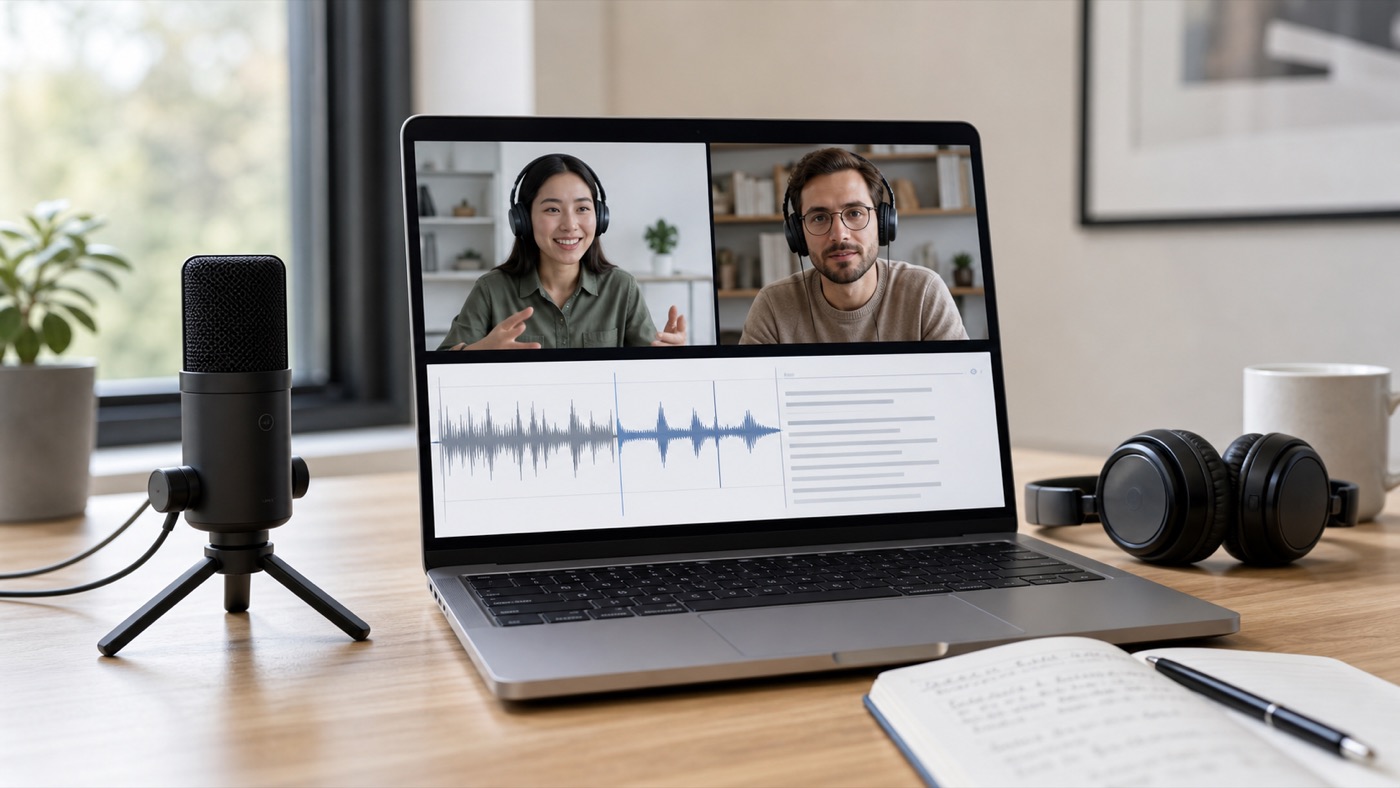
To clean interview audio, start with the original recording, reduce background noise and echo, then check a section where the guest speaks quietly or over room noise. The cleaned file is ready to use when names, numbers, and short answers are easier to hear without making the speaker sound thin, watery, or clipped.
This workflow fits journalist interviews, UX research calls, customer interviews, podcast guests, oral history recordings, and hiring conversations. The goal is not studio polish. The goal is speech that is easier to review, quote, edit, and transcribe.
Why interview audio gets hard to use
Interview audio gets messy because the interviewer controls the questions, but not always the room, microphone, internet connection, or guest behavior. Common problems include distant microphones, laptop fans, street noise, room echo, table bumps, keyboard clicks, and two people speaking over each other.
The damage shows up later. A transcript has more name errors. A pull quote takes longer to verify. A podcast editor has to cut around noise instead of shaping the conversation. A researcher replays the same answer three times because one word is buried under a chair scrape.
The oral-history ASR study by Gref et al. shows why this matters. The authors estimated 8.7% human word error rate under clean acoustic conditions, while automatic recognition reached 23.9% WER on noisy interviews and 15.6% on clean interviews (Gref et al., 2022). Cleaner interview audio does not guarantee a perfect transcript, but noise and recording conditions change the amount of correction work.
The fastest way to clean interview audio
The fastest safe workflow is to clean a copy, not the only file: preview a noisy interview section, compare it against the original, and export the full cleaned file only when the words are easier to follow. In SoundClean, upload the original audio or video, listen to the cleaned preview, and download the full cleaned version after that comparison passes.
Use this five-step process:
- Keep the original recording unchanged.
- Pick a 30-60 second sample with the worst real problem.
- Clean that sample or preview the cleaned result.
- Check names, numbers, acronyms, and short replies.
- Export the full cleaned interview only if the sample is easier to quote or transcribe.
If the interview has broad hiss, traffic, or room tone, the general guide to remove background noise from audio online is the closest parent workflow. If the interview came from a meeting platform, the guide to clean Zoom meeting audio covers platform-specific echo and post-call cleanup.
What to fix first
Clean interview audio by fixing the distractions that compete with speech, not by trying to erase every sound in the room. A small amount of natural room tone is acceptable if the speaker stays clear and believable.
| Problem in the interview | Why it hurts the recording | First cleanup move |
|---|---|---|
| Fan or HVAC noise | Masks quiet consonants and soft endings | Reduce steady background noise |
| Room echo | Makes syllables smear together | Reduce echo, then check word endings |
| Street or cafe noise | Pulls attention away from answers | Clean a noisy sample before full export |
| Keyboard clicks | Interrupts quotes and transcript lines | Clean before editing or mastering |
| Uneven speakers | Makes one person harder to quote | Normalize after noise cleanup |
| Wind on phone video | Covers low speech detail | Test whether names still survive cleanup |
Stop processing when the cleanup starts damaging words. Warning signs include missing consonants, strange metallic edges, pumping noise between phrases, or a transcript that invents words that were not in the original.
Clean interviews before transcription
For transcription, compare the original and cleaned files on the same hard sample. Count the corrections you would need to make to names, dates, amounts, product terms, and short answers. Use the cleaned file only if it reduces those corrections.
This is especially useful for:
- Research interviews that will be coded later
- Customer calls that feed product decisions
- Journalist interviews with quoted names or figures
- Podcast guest tracks with remote recording noise
- Oral history interviews that need searchable transcripts
- Recruiting or hiring interviews that need internal review
The OpenAI Whisper paper reports training on 680,000 hours of labeled audio from the web (Radford et al., 2022). Large training sets help modern speech models handle varied audio, but interview recordings still fail in predictable places: overlapping speech, distant microphones, hard names, quiet asides, and background sounds that sit on top of consonants.
If a transcript has legal, compliance, or research-evidence value, keep the original recording and label the cleaned file as a listening or transcription aid. Do not overwrite the source.
How to clean different interview formats
Different interview formats need different cleanup choices. A phone voice memo, a Zoom interview, and a two-mic podcast guest track should not be treated as the same file.
Remote video interviews
Remote interviews often include platform noise suppression, room echo, and uneven microphones. Download the original recording if possible instead of screen-recording playback. Clean after the call when the recording will become a transcript, article, customer note, or clip.
Zoom's audio settings support page documents meeting controls for noise suppression, echo cancellation, and related microphone behavior (Zoom audio settings support page, accessed June 28, 2026). Check those settings before a remote interview, then still review the saved recording afterward because typing, fans, guest echo, and microphone changes can remain in the exported file.
Field interviews
Field interviews usually have traffic, crowd noise, wind, or handling sounds. Clean a section where the guest speaks under the real background. Do not judge the result from silence between answers, because silence is easier to clean than speech under noise.
If the file came from an iPhone video outdoors, the related guide to remove wind noise from iPhone video covers wind rumble and camera-audio tradeoffs.
Podcast interviews
Podcast interviews should be cleaned before heavy compression, loudness matching, music, ads, or mastering. If you have separate host and guest tracks, clean only the track with the problem. That keeps the cleaner from processing music, intro beds, or already-good speakers.
For desk recordings with mechanical keyboard noise, use the focused workflow to remove keyboard sounds from podcast before final editing.
Research and customer interviews
Research interviews need clarity more than polish. Preserve the original, clean a copy, then check whether the cleaned transcript changes names, product terms, prices, or user quotes. The archive matters because future analysis may depend on the exact answer, not just a cleaner listening experience.
How to record cleaner interviews next time
The easiest interview to clean is the one that starts with a clear voice. Before the next recording, reduce the problems that cleanup cannot fully repair.
Use this pre-call checklist:
- Ask the guest to use headphones.
- Put the microphone closer to the speaker than to the keyboard.
- Turn off fans, HVAC, and loud appliances when possible.
- Record in a room with curtains, books, rugs, or soft furniture.
- Do a 20-second test recording and listen before the real interview.
- Ask guests not to type while someone else is speaking.
- Save the highest-quality original file.
Close miking is a standard recording technique because placing a microphone near the speaker increases direct voice pickup and reduces competing room sound. Drossos, Mimilakis, Floros, Virtanen, and Schuller describe close miking as placing a microphone very near the sound source to capture more direct sound and minimize ambient pickup in their 2018 paper, "Close Miking Empirical Practice Verification". You do not need a studio to use the idea: get the voice closer to the mic and the room farther away from the recording.
When cleanup will not rescue the interview
Audio cleanup cannot recover speech that was never captured clearly. If two people talk over each other, a guest is muted, the recorder clips badly, or the microphone is across a loud room, cleanup may make the recording more listenable but still leave uncertain words.
Treat these as red flags:
- The voice is distorted on loud words.
- The speaker is much quieter than the background.
- Several people speak at once.
- The recording includes music under the answer.
- Important names occur during noise bursts.
- The interview was exported through several compressed versions.
In those cases, clean a copy for listening, but verify quotes against the original and mark uncertain words in the transcript.
FAQ
Can I clean interview audio online?
Yes. Upload the interview audio or video to an online cleaner, preview a noisy section, and export the cleaned file when speech is easier to understand.
Should I clean interview audio before transcribing?
Often, yes. Clean a copy first, transcribe the same difficult sample from the original and cleaned files, and use the version that needs fewer corrections.
What interview noises can AI cleanup reduce?
Start by testing steady fan noise, hiss, room tone, light echo, and keyboard clicks that sit behind a clear speaker. Treat wind over speech, overlapping background conversation, clipped words, and two people talking at once as caution cases: cleanup may help listening, but you should verify quotes against the original.
Should I keep the original interview recording?
Yes. Keep the original recording for quote checks, audit, research integrity, and backup. Use the cleaned version for listening, editing, sharing, or transcription when it performs better.
Can I clean video interview audio without changing the video?
Yes, if your cleaner supports the video format. SoundClean is built for browser uploads of audio or video files, so preview the result first and keep the original video for comparison.
Try a short interview sample
Upload a noisy interview clip to SoundClean and preview the cleaned version. If the guest's names, numbers, and short answers are easier to hear without sounding processed, export the full interview and use it for editing, transcript review, quotes, or internal notes.