

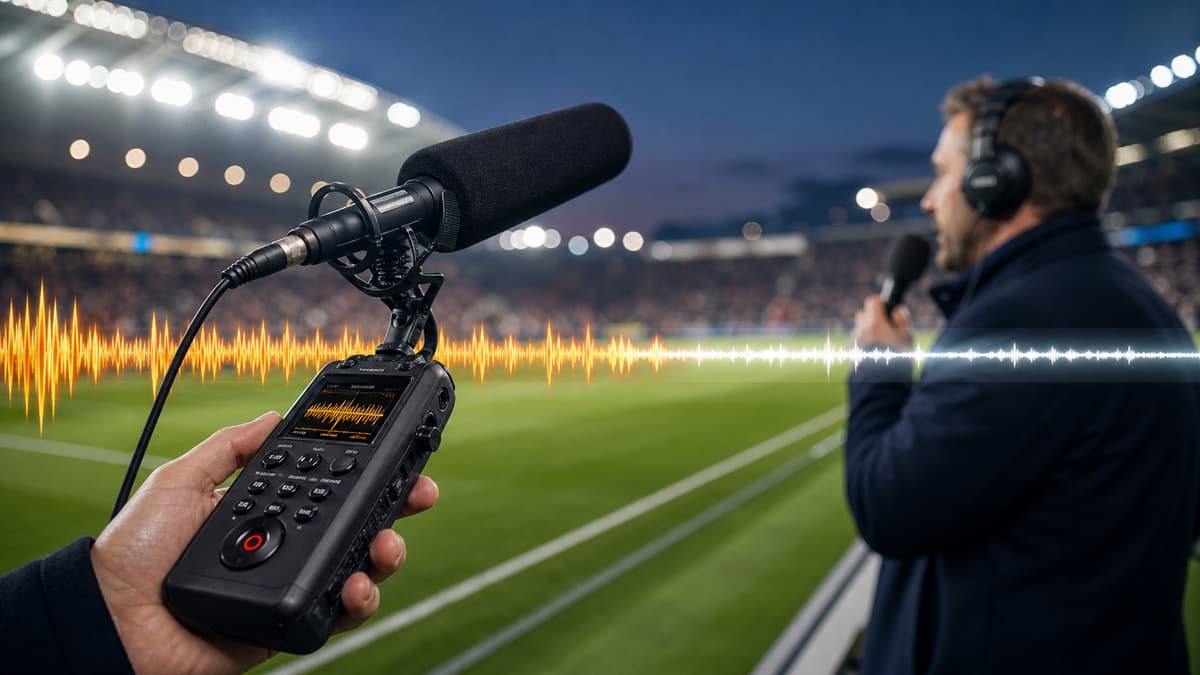
To remove crowd noise from a football recording, clean the audio around the voice or main sound you want to keep, then preview the loudest crowd moments before exporting. AI cleanup can reduce crowd bed, stadium rumble, and background chatter, but the best sports result usually keeps some atmosphere instead of making the recording sterile.
This matters for commentator clips, sideline interviews, fan videos, coaching analysis, podcast segments, and highlight reels where the crowd should support the moment, not bury the words.
Start by deciding what should stay
Football audio is not like office noise. Some of the crowd belongs in the recording. A goal without a little stadium reaction can feel strangely flat.
Before cleaning, decide the priority:
- Commentary clarity
- Interview intelligibility
- Coach or player instructions
- Crowd chants as the main subject
- Match atmosphere for highlights
- Audio for transcription or subtitles
If speech is the asset, reduce the crowd. If atmosphere is the asset, use lighter cleanup or process only the spoken sections.
Why crowd noise is difficult
Crowd noise is irregular. It includes voices, claps, whistles, chants, public address systems, music, and stadium reflections. Many of those sounds overlap with the frequency range of speech.
Traditional noise reduction works best on steady sounds such as hum or hiss. Audacity's own Noise Reduction documentation notes that irregular background noise, including an audience, is not the best fit for simple profile-based reduction. That is why AI voice-focused cleanup is often a better first pass for football recordings.
The key is preserving the speaker. If the tool removes the commentator's energy or clips the end of words, the cleanup is too heavy.
How to clean a football recording
Use the best source file you have. A camera original, recorder file, or high-quality export gives the cleanup model more detail than a compressed social clip.
- Upload the audio or video to SoundClean.
- Generate a cleaned preview.
- Listen to a calm section and a loud crowd section.
- Check whether the voice remains full and understandable.
- Export the cleaned file if it improves clarity without killing the moment.
For long matches, start with a representative clip. A 60-second sample with speech, applause, and a loud reaction tells you more than the first quiet minute.
Best settings mindset
Do not aim for a silent stadium. Aim for a better foreground-to-background balance.
For commentary, you want the words to sit clearly above the crowd. For an interview, you want the speaker's consonants to come forward. For tactical analysis, you want instructions and whistles to remain intelligible enough to review.
If you are preparing audio for captions or transcription, clarity matters more than realism. In that case, stronger cleanup can be useful even if the cleaned version sounds less cinematic.
Common football recording problems
Phone video from the stands
The phone is usually far from the speaker and close to other fans. Cleanup can reduce the general crowd bed, but distant speech may remain limited. If the main voice is important, add subtitles after cleanup.
Sideline interviews
These are good candidates for AI cleanup because the speaker is usually close to the mic. Crowd noise, wind, and stadium announcements can often be pushed back while keeping the interview usable.
Commentary recorded near fans
Cleanup can make amateur commentary easier to publish, especially when crowd reactions spike. Check goal moments carefully because aggressive processing can flatten excitement.
Full match audio
If you need the whole match, clean a copy and keep the original. You may want to use the cleaned track for speech-heavy sections and the original track for atmosphere-heavy highlights.
Recording tips for the next match
Better capture makes cleanup easier:
- Put the microphone closer to the commentator than to the crowd.
- Use a directional mic if you can.
- Avoid placing the recorder on vibrating metal or plastic seats.
- Shield the mic from wind.
- Record a separate commentary track when possible.
- Clap once at the start if you need to sync external audio with video.
Even a cheap lavalier or small shotgun mic can outperform a phone mic from the stands.
Clean before clipping highlights
If the final output is a highlight reel, clean the longer source before cutting clips. That gives you consistent audio across every highlight and makes it easier to balance music, commentary, and crowd sound later.
If you only need one noisy interview, trim the interview first and clean that shorter file. That keeps the workflow fast.
Try a preview on a loud moment
Upload a section with commentary and a big crowd swell to SoundClean. If the preview makes the words easier to follow while keeping enough stadium feel, process the full file and continue your edit from the cleaned version.
The best football cleanup keeps the match alive. It just stops the crowd from doing all the talking.
FAQ
Can I remove crowd noise from a football recording?
Yes, if the voice or main audio is still audible. AI cleanup can reduce crowd bed, stadium rumble, and background chatter around speech.
Will cleanup remove all cheering and chants?
Not always, and that is usually not the goal. A natural result keeps useful match atmosphere while making the important speech easier to understand.
Can I clean a football video file?
Yes. SoundClean can clean the audio track in a video file while keeping the video intact.
Should I use noise removal on the whole match?
For commentary or interviews, yes. For match atmosphere, clean only the sections where speech clarity matters.