
 SoundClean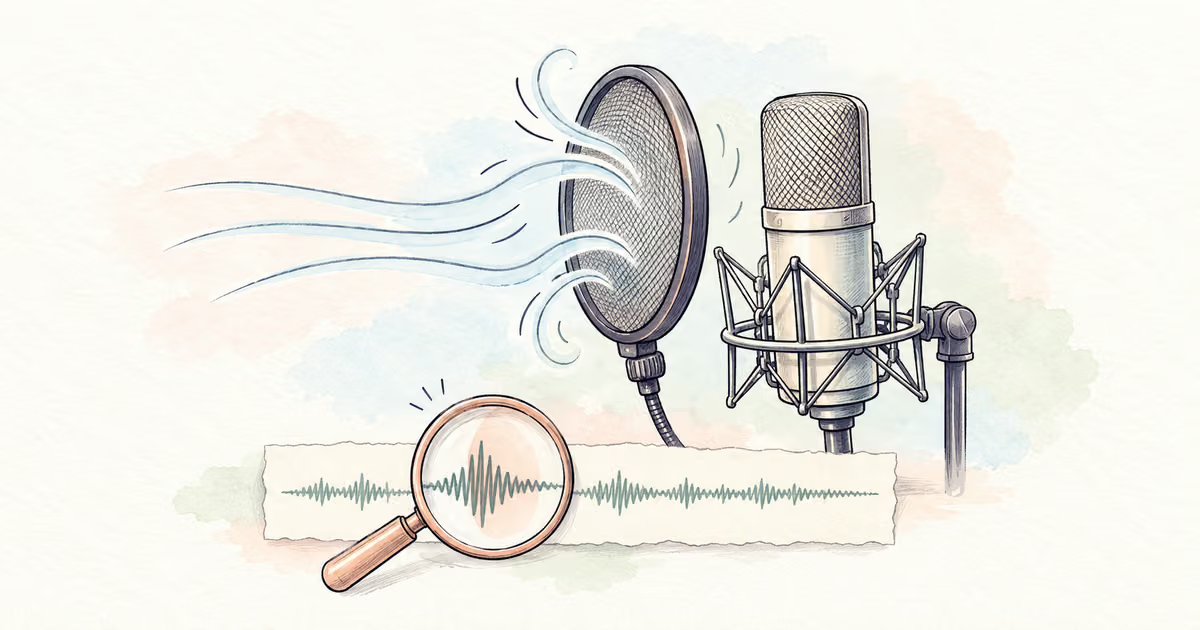
A plosive is the low thump you hear when a burst of air hits the microphone during speech. P and B sounds are common triggers. To reduce it, repair the short burst while preserving the consonant. Filtering the whole recording can make the voice thin.
Keep the original. Mark the problem word, test a local edit, and listen to the full phrase. If the file also has steady background noise, compare a separate SoundClean preview. General cleanup is not a substitute for every targeted repair.
Quick Answer
Find the short air burst, make a small local level or filter adjustment, and compare the complete word. A dedicated de-plosive tool can help with difficult bursts. Stop if the consonant becomes unclear, and use a pop filter and a short recording test to prevent the next problem.
Identify the sound before editing
A plosive is usually tied to a spoken syllable. It is not the same as a sharp mouth click, a keyboard tap, or a continuous hum.
| What you hear | Likely problem | Useful first test |
|---|---|---|
| Low burst on a P or B | Microphone air blast | Short local level or filter adjustment |
| Small sharp sound between words | Mouth click or edit click | Inspect and repair that event |
| Rumble across an outdoor phrase | Wind hitting the microphone | Review the whole affected passage |
| Harsh crackle on every loud word | Possible clipping | Check the source and recording level |
iZotope's plosive explanation describes the air burst, its low-frequency energy, and the risk of changing the voice when too much low end is removed. A severe burst can also distort the signal.
If the main issue is outdoor wind, read Remove Wind Noise from iPhone Video. For loud-word crackling, use Fix Distorted Audio.
A targeted plosive-repair workflow
Work on a duplicate in an audio editor.
- Listen to the complete sentence and identify the thump.
- Zoom into that event, but keep audio before and after it for comparison.
- Try a small local level reduction if the burst is much louder than the voice.
- If low rumble remains, test a local high-pass filter or a dedicated de-plosive process.
- Compare the whole sentence at its normal listening level.
- Undo the change if the word becomes unclear or the voice changes abruptly.
A high-pass filter reduces frequencies below its selected region. Its setting must suit the voice and burst. There is no single cutoff that is correct for every speaker. Prefer the smallest affected region and the mildest useful change.
Use smooth transitions around a level edit. A sudden step can introduce a new click even if the original thump is quieter.
Preserve the word, not just the waveform
Use a test phrase from your own recording, such as “Please bring the blue folder.” Listen to the beginning of “Please” and “bring” after the edit.
The repair should reduce the air blast while leaving the P and B recognizable. Do not remove a whole syllable to make the waveform look tidy. Play the sentence without watching the editor; visual improvement can distract from missing speech.
If one burst needs a different setting from the others, treat it separately. A recording may include changes in microphone distance as the speaker turns or leans forward.
When to use a dedicated de-plosive tool
A dedicated process is useful when many bursts occur under speech and manual edits become slow. iZotope's current RX feature page lists De-plosive for this task. Check the edition and available trial before choosing it.
Compare a short sample before processing a long narration. A tool name does not guarantee recovery of a badly distorted consonant.
For a few severe faults, another take may be quicker. Record the complete sentence with the same microphone position and room sound, then edit at a natural pause. A complete phrase is often easier to match than a single replacement letter.
Clean other noise as a separate decision
After the plosive repair, listen for fan noise, hiss, and room sound. If they distract from speech, test a short excerpt in SoundClean and compare it with the repaired source.
If SoundClean is your first test, upload the original and check the problem words in its preview. Do not assume a quieter background means the bursts are fixed. For a later event outside the preview, prepare an excerpt in an editor.
Use Remove Background Noise from Audio for the general workflow, and Remove Keyboard Sounds from Podcasts for a different kind of short noise.
Prevent the next burst
Place the microphone slightly away from the direct path of your breath. Use a suitable pop filter, keep a consistent distance, and record a test sentence with P and B sounds before a long session.
Listen to the test instead of judging by microphone distance alone. A setup that works for one speaker may need adjustment for another.
FAQ
What is a plosive in a recording?
A plosive is an air burst that strikes the microphone and creates a short low-frequency thump, often around a P or B sound.
Will general noise reduction remove every plosive?
No. A short air burst is different from a steady noise bed. A targeted edit or a de-plosive tool may be needed.
Should I remove the whole P sound?
No. Keep the consonant that makes the word understandable. Reduce the unwanted thump and check the complete phrase.
Check the words before the full edit
Repair the short air burst first. If steady background noise also affects the recording, compare a separate SoundClean preview from the original. Keep the version that preserves the whole phrase, not just the quietest background.