
 SoundClean
Make every audio
or video file sound cleaner
Upload a recording and hear the cleaned preview first.
Download the full version only when it sounds right.
Drag and drop or browse audio or video
Maximum 500 MB file size. MP3, WAV, FLAC, M4A, OGG, MP4, M4V, or MOV.
Demo
Hear the Difference
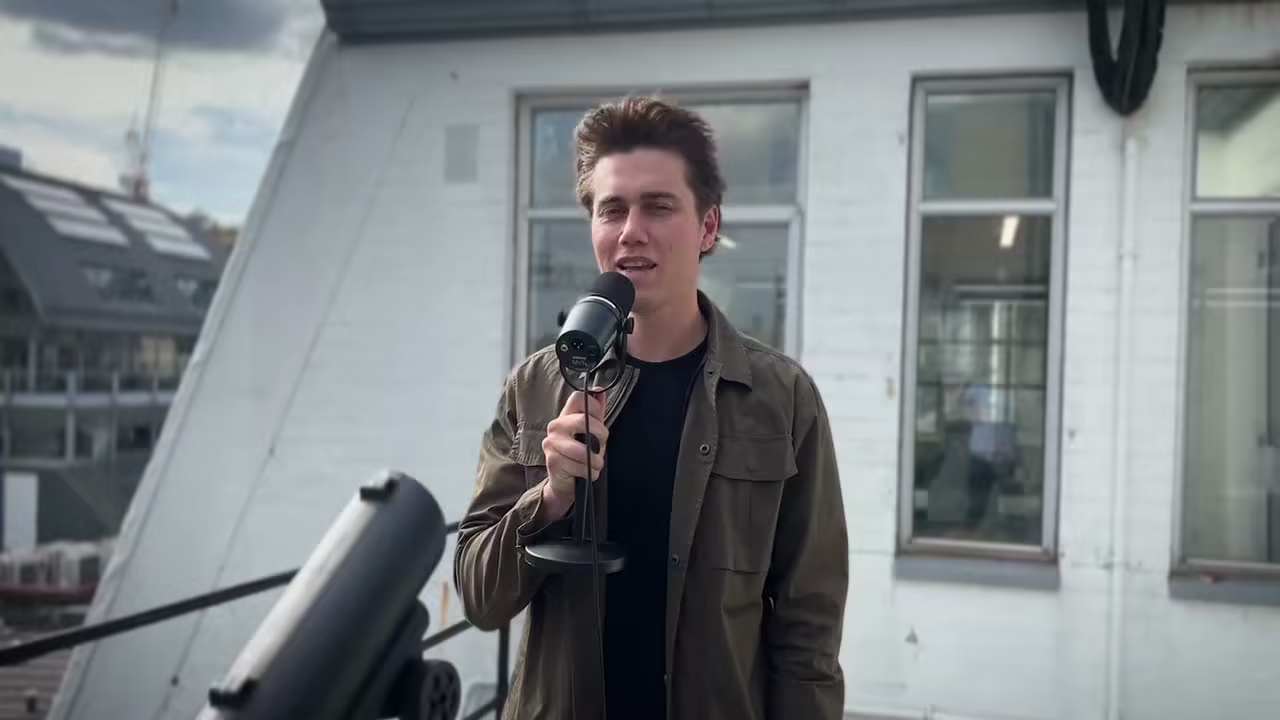
Need to remove wind noise from video or audio? This is real audio processed by SoundClean. No studio tricks. Toggle between the original and cleaned audio.
Features
Audio cleanup without the editing workflow
SoundClean focuses on the job creators need most: clearer voice audio from noisy recordings, without learning a full audio editor.
AI Noise Removal
Bulk Upload
Preview first
Audio and video support
“SoundClean replaced my usual noise-reduction stack for one upload-and-preview workflow on interviews and voiceovers.”
“I use SoundClean on every episode now. I cleaned a full podcast season in an afternoon without rebuilding Audacity chains.”
“No more wrestling with EQ and noise gates on every clip — upload, preview, and download when it sounds right.”
How it works
Clean up a recording in three steps
Upload a noisy recording, preview the AI-cleaned result, and download the full file when it sounds right.
Upload your file
Drag and drop your noisy audio or video file directly in the browser.
Preview the cleaned result
SoundClean reduces background noise and creates a short preview you can compare with the original.
Download the full file
Pay only when you want the complete cleaned download for your audio or video.
Creators
Made for recordings creators actually make
Clean up podcast audio, video sound, lessons, interviews, and voice notes without rebuilding your edit from scratch.
Podcasters
YouTubers
Marketers
Educators
Casual Users
Audio Engineers
Pricing
Choose the plan that fits your workflow
Preview for free, pay per download, or choose monthly processing time for regular cleanup work.
Free
Free
- Upload your audio or video
- Hear a 10-second cleaned preview
- Prices start at $0.50 to download the full file
Creator
$6 /month
- 30 hours included each month
- Best price per hour
- 50% cheaper than pay-as-you-go
- No commitment, cancel any time
- Bulk uploads
FAQ
Frequently Asked Questions
Blog
Latest audio cleanup guides
Practical walkthroughs for cleaning noisy meetings, interviews, podcasts, field recordings, and videos.
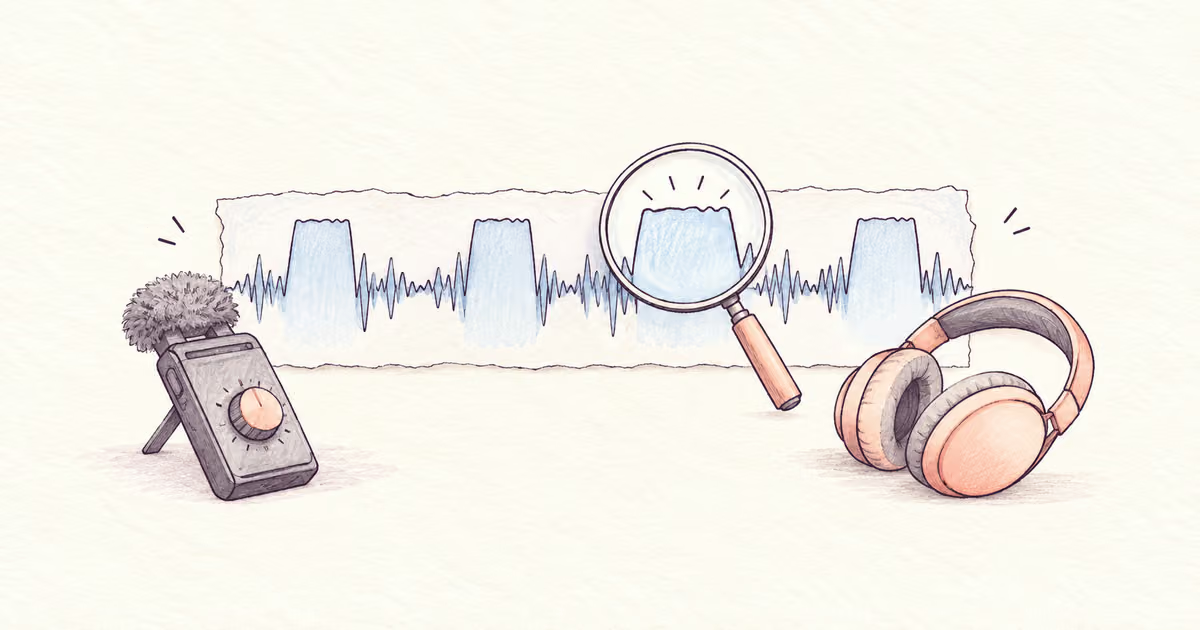
How to Fix a Distorted Audio Recording
Diagnose clipping, playback faults, and processing artifacts before repair. Learn what can improve distorted speech and when to record again.
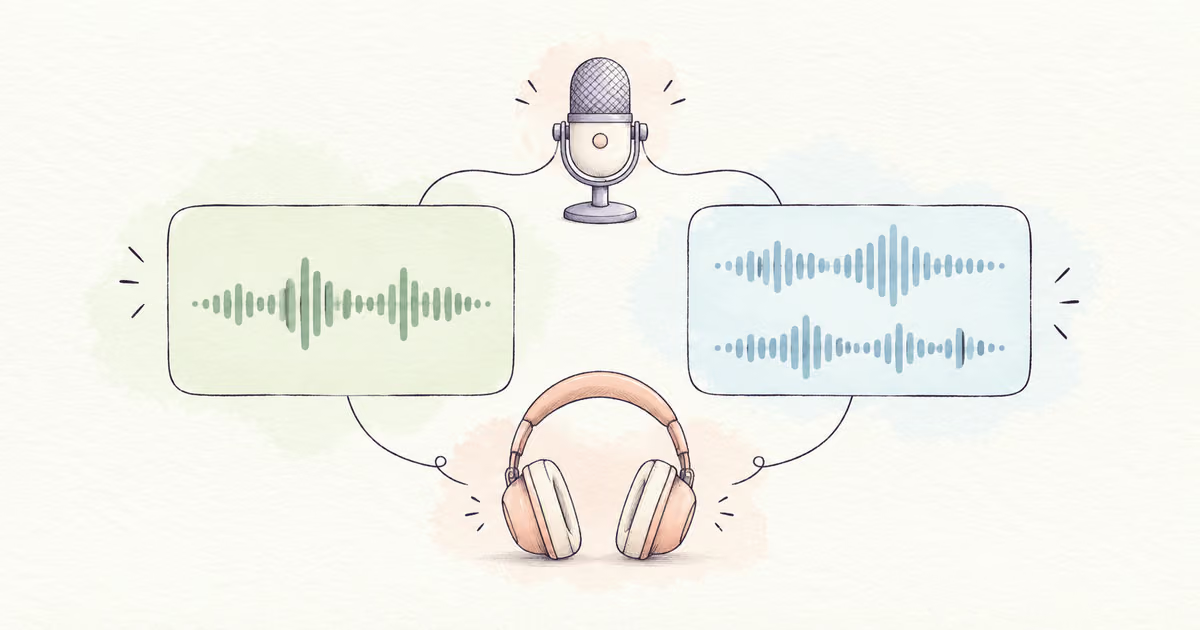
Mono vs Stereo for Voice Recordings
Choose mono or stereo for speech, inspect separate channels, and fix one-ear playback without discarding a speaker or adding unnecessary noise.
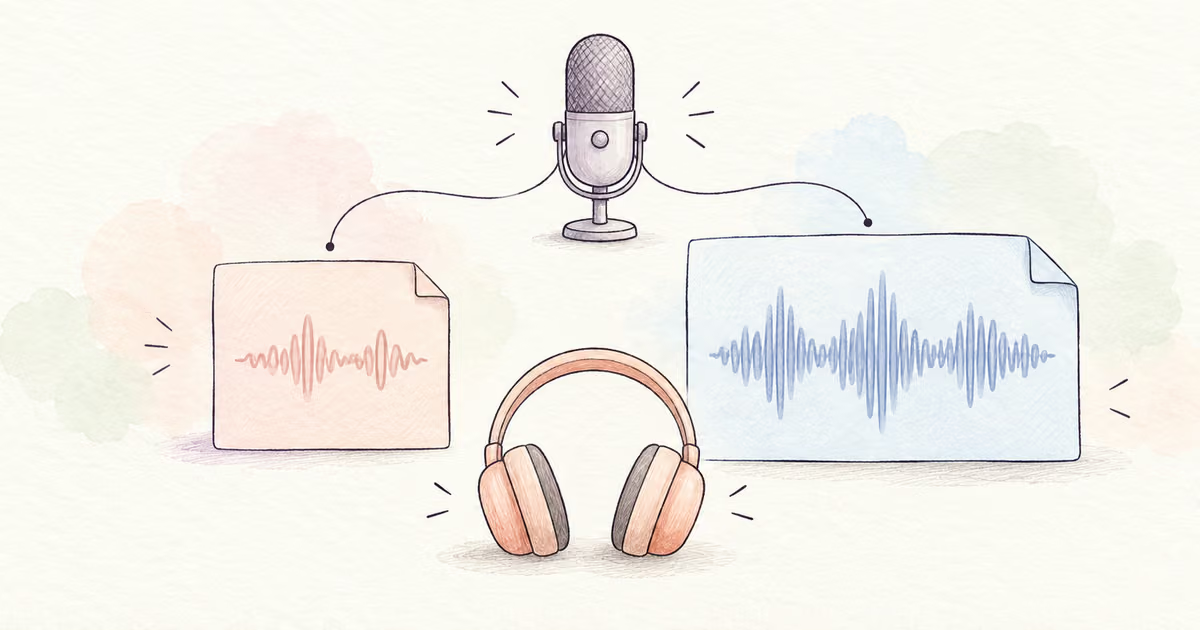
MP3 vs WAV for Audio Cleanup and Voice Recordings
Compare MP3 and WAV for voice cleanup, editing, file size, and sharing. Learn why converting an MP3 to WAV does not restore lost detail.
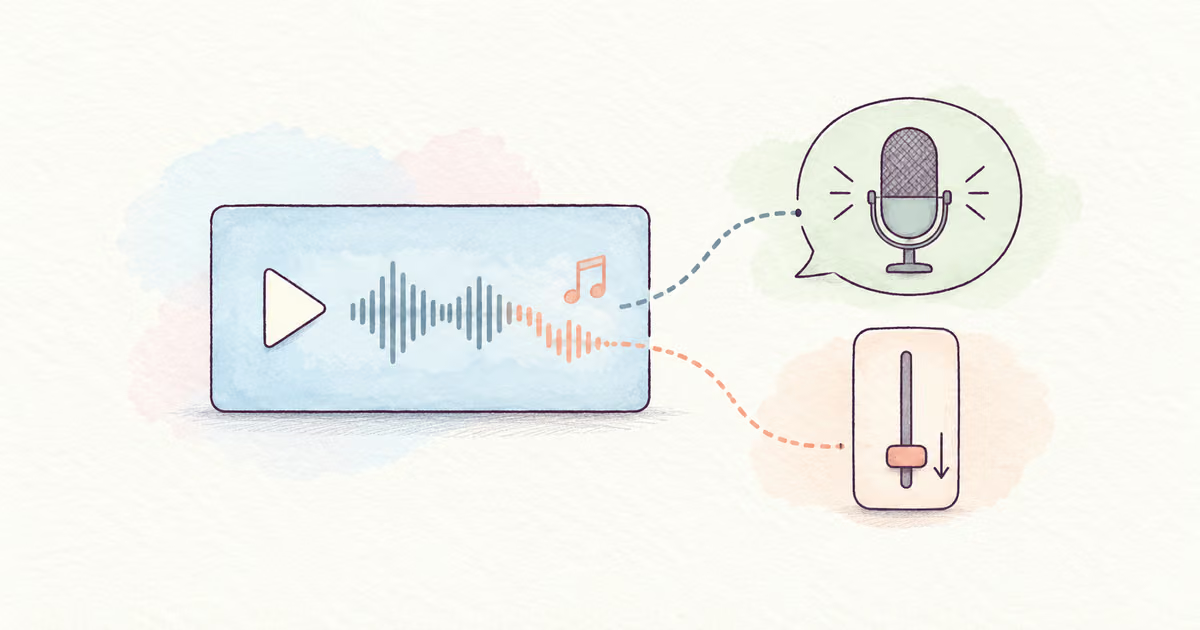
Remove Background Music from Video but Keep the Voice
Choose the right way to remove music while keeping dialogue. Compare separate-track editing, speech separation, and noise cleanup.
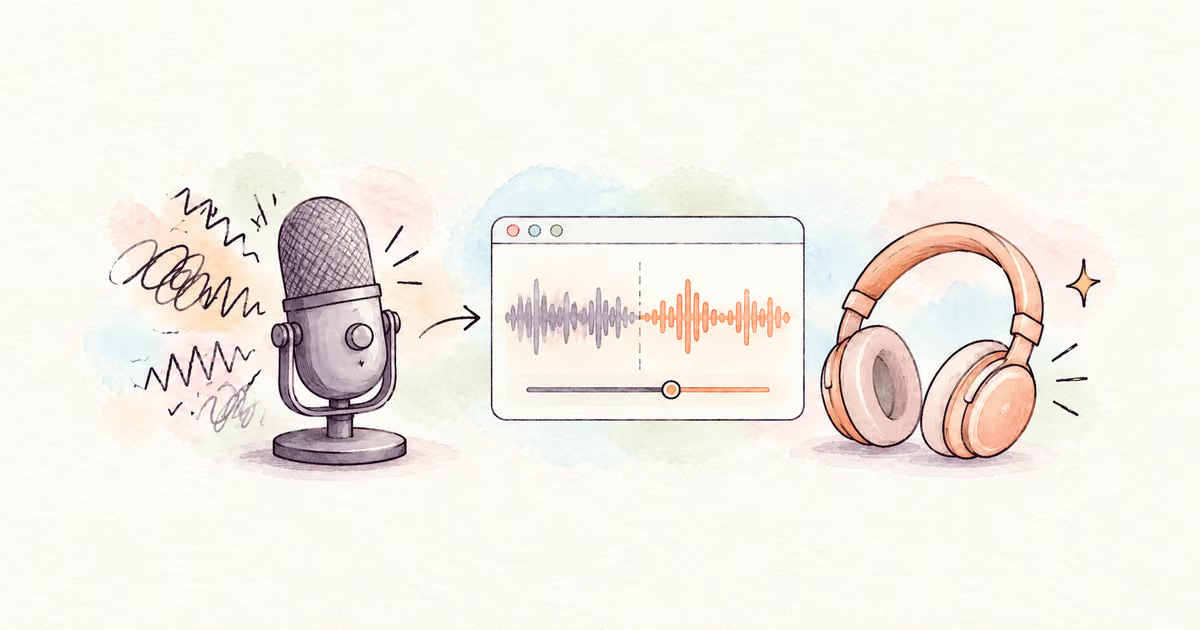
Remove Background Noise in Adobe Podcast
Use Adobe Podcast Enhance Speech, check processing limits, and compare the result with your original recording before you export.
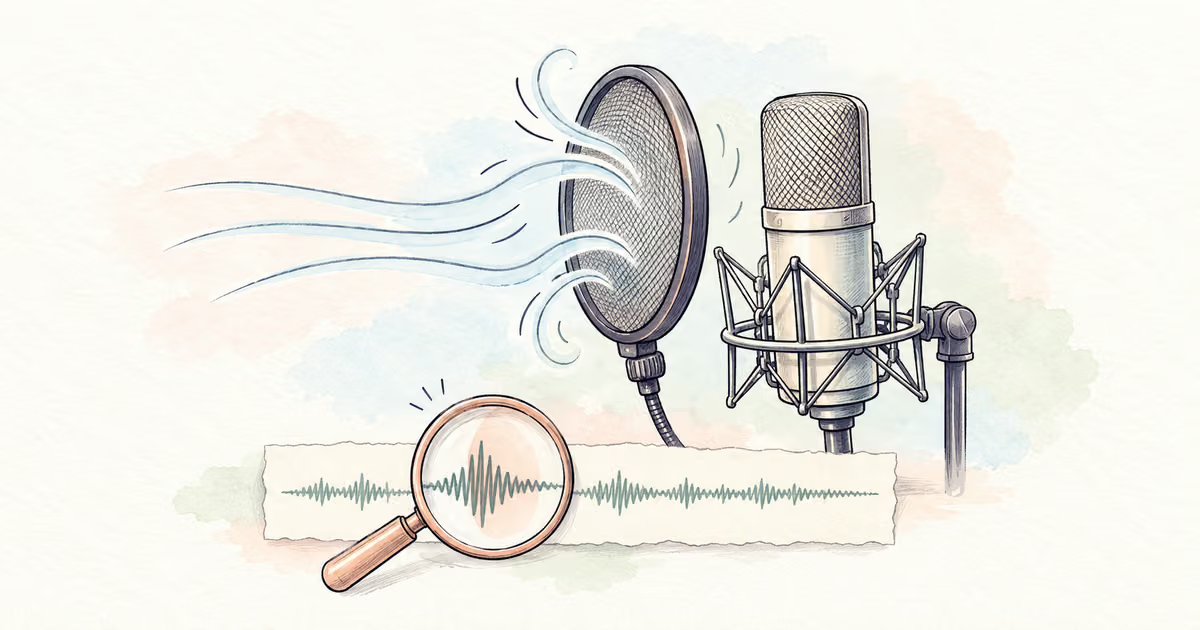
How to Remove Plosives from a Voice Recording
Reduce P and B microphone thumps with targeted edits. Learn when a filter, a de-plosive tool, or a new take is the better choice.
Hear the difference
Upload a file, compare the cleaned preview, and download the full result when it sounds right.