

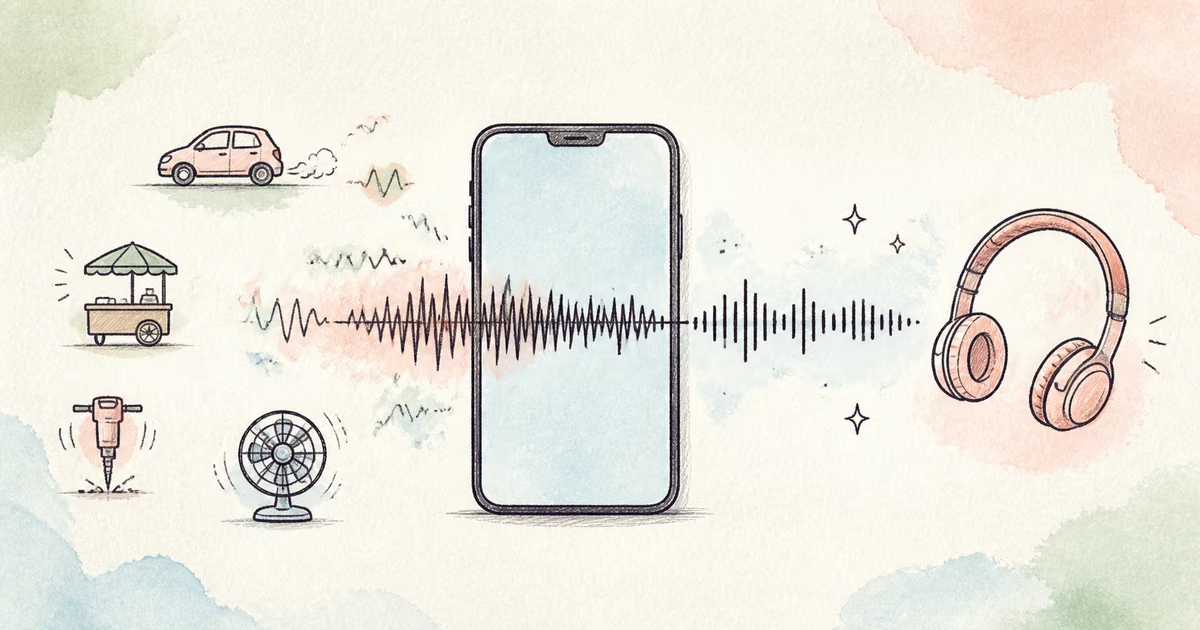
To clean WhatsApp voice notes, save or export the message as an audio file, keep an untouched copy, and upload the file to an audio cleaner. Preview the hardest useful section. Download the full result only when speech is easier to understand and the speaker still sounds natural.
This workflow is useful for personal notes, customer messages, interviews, research, language practice, and work updates. It is not a way to recover words that the phone did not capture.
Quick Answer
Save the original voice note before you edit it. Test a section with quiet speech and the main noise. Upload the file to SoundClean, compare the cleaned preview with the source at the same volume, and check names, numbers, and short answers. Use the cleaned file for easier listening or transcription. Keep the original as the reference copy.
Decide whether cleanup is the correct step
Phone voice notes can contain several different problems.
| What you hear | Good first action | Main limit |
|---|---|---|
| Steady street, fan, or room noise | Test automatic cleanup | Strong noise can still mask quiet words |
| Light echo in a kitchen or office | Test speech cleanup | Deep reflections may remain |
| Wind bursts on an outdoor message | Test the worst useful section | Covered syllables may not return |
| Very quiet but clear speech | Clean first, then adjust level if needed | Raising level also raises remaining noise |
| Another person talking over the sender | Review manually or request a new note | Voice separation can damage both speakers |
| Harsh distortion on loud words | Ask for another recording if possible | Clipping is not background noise |
If the message is part of a formal interview, use Clean Interview Audio for a stricter quote-check process. If the problem is broad and not specific to a mobile note, use Remove Background Noise from Audio Online.
Save the original note first
The exact save or share steps can differ by phone and app version. Use the app’s share or export control to create a local file that you are authorized to use. Do not record the message through the phone speaker when you can save the source file.
Use a clear filename, such as:
2026-08-09-customer-name-original.ogg
Then create a second name for the cleaned copy:
2026-08-09-customer-name-cleaned.ogg
The original matters when the note contains a quote, address, date, price, task, or research answer. Cleanup can make listening easier, but it can also change a weak syllable. Keep both versions.
A safe voice-note cleanup workflow
- Save or export the voice note as a file.
- Copy the original to a safe location.
- Choose a section with the main noise and normal speech.
- Upload the file to SoundClean.
- Generate the cleaned preview.
- Compare both versions at the same playback volume.
- Verify names, numbers, and short words.
- Download the full cleaned file only when the preview passes.
SoundClean accepts common audio files, including MP3, WAV, FLAC, M4A, and OGG. If SoundClean does not accept the saved file type, make one conversion from the original with a trusted audio editor. Avoid repeated exports.
What to check in a short mobile recording
A voice note can be only a few seconds long. Every word can matter. Listen for details that a general quality check can miss.
- The first word is complete.
- The final word is not cut.
- Quiet syllables remain audible.
- S, F, T, and K sounds remain clear.
- Numbers do not change or disappear.
- Background noise does not pulse between words.
- The speaker does not sound metallic or distant.
Use headphones for difficult notes. Then play the cleaned version on a normal phone speaker. If the cleaned file will become a transcript, compare both transcript outputs instead of assuming the cleaner version is better.
Common voice-note situations
A note recorded outdoors
Traffic and wind change over time. Test a section where the sender speaks during the noise. A quiet pause can make cleanup sound effective even when speech remains difficult.
A note recorded in a car
Engine and road sound can form a steady bed, but indicators, bumps, and passing vehicles are irregular. Cleanup can reduce the steady part. Keep realistic expectations for short events that cover a word.
A note recorded in a reflective room
Kitchens, stairwells, and empty offices can add room reflections. Use Remove Echo from Audio Online when the voice sounds hollow after general noise becomes quieter.
A note used for an interview or research study
Keep the original file, document the cleaned copy, and verify quotations against the source. The cleaned version can help review and transcription. It should not silently replace the source record.
Cleanup before transcription
Do not assume that noise reduction always improves automatic transcription. Google Cloud’s current Speech-to-Text best practices recommend close microphone placement and warn that noise-reduction processing can reduce accuracy for its recognizer. Different systems and recordings can respond differently.
Use a direct test:
- Transcribe the same short section from the original.
- Transcribe the cleaned preview.
- Compare names, numbers, and complete words.
- Use the version that needs fewer important corrections.
For a complete test plan, see Improve Audio for Transcription.
What cleanup cannot recover
Cleanup cannot reliably rebuild speech that was fully covered by wind, music, another speaker, or severe clipping. It also cannot correct the wrong language, name, or context in a transcript by itself.
Ask for a new voice note when:
- A critical word is missing.
- The speaker is too far from the phone.
- Loud wind covers complete phrases.
- The recording is heavily distorted.
- Two people speak at the same time.
- The message is important enough that guessing is unsafe.
A short re-recording is often faster and more reliable than aggressive repair.
Troubleshooting a poor result
If the voice becomes metallic, stop and use the original. If only pauses improve, the noise may overlap speech too closely. If one click remains, edit that short fault instead of applying stronger cleanup to the complete note.
If the note is very quiet, do not raise the volume first without a test. This raises noise with the voice. Clean a preview, then adjust the final level when needed.
If the file will not upload, confirm its extension and export one supported copy from the source. Keep the original container for reference.
Record a clearer voice note next time
- Hold the phone close to the mouth without covering the microphone.
- Turn away from wind.
- Move away from traffic, fans, and open windows.
- Use a furnished room instead of an empty reflective space.
- Speak one test sentence and listen before a long note.
- Repeat names and numbers when they are important.
- Send a new note when a loud event covers a key phrase.
Related reading
- Improve Audio for Transcription
- Remove Background Noise from Audio Online
- Remove Echo from Audio Online
- Clean Interview Audio
FAQ
Can I clean a WhatsApp voice note online?
Yes. Save or export the voice note as a file, upload it to a compatible audio cleaner, preview the result, and keep the original message for reference.
What noise can cleanup reduce in a voice note?
Cleanup can often reduce steady fan noise, traffic bed, room hum, hiss, and light echo when the speaker remains clear.
Can cleanup recover a word covered by wind or another voice?
Not reliably. It can reduce noise around usable speech, but it cannot recreate speech that was not captured or was fully masked.
Should I use the cleaned note as evidence or a source record?
Keep the original as the source of record. Use the cleaned copy for easier listening or transcription, and verify important words against the original.
Try a cleaned voice-note preview
Upload a saved voice note to SoundClean. Compare the hardest useful words before you process the full message.